Presets
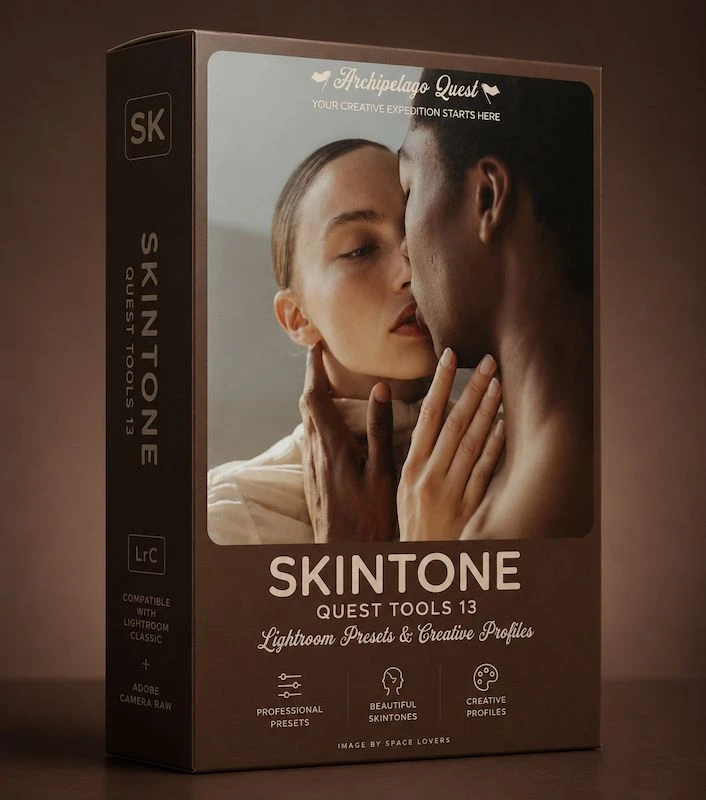
Skintones Correction Tools – Archipelago Quest Tools 13
by Archipelago
Corrective presets that fix ashy, orange or uneven skin without changing the rest of the photo.
- Format
- .xmp + .dng
- Delivery
- Instant ZIP download
- License
- Personal & commercial
- Updates
- Free re-downloads
Works with
Lightroom Classic
Lightroom CC
Lightroom Mobile
Camera Raw
About this pack
Faces are often the first thing to go wrong in an edit. Someone steps into shade and looks grey, you warm up the white balance and their cheeks turn orange. Quest Tools 13 is made to fix exactly that.
These are correction tools, not a look. They only work on skin: removing extra warmth, bringing colour back to washed-out faces, cooling down red cheeks and evening out patches where the light changed.
They work on fair, olive and deep skin tones, and texture stays intact, so you don't get a plastic look.
- Fixes uneven, ashy or overly warm skin
- Balances warm and cool complexions
- Works in Lightroom Classic, Lightroom CC and Adobe Camera Raw
What you get
- Full-resolution ZIP download, instantly
- Desktop (.xmp) & mobile (.dng) presets
- Step-by-step install guide included
- Free lifetime re-downloads from your library
You might also like
More from Archipelago

Skintones Correction Tools – Archipelago Quest Tools 13
$5